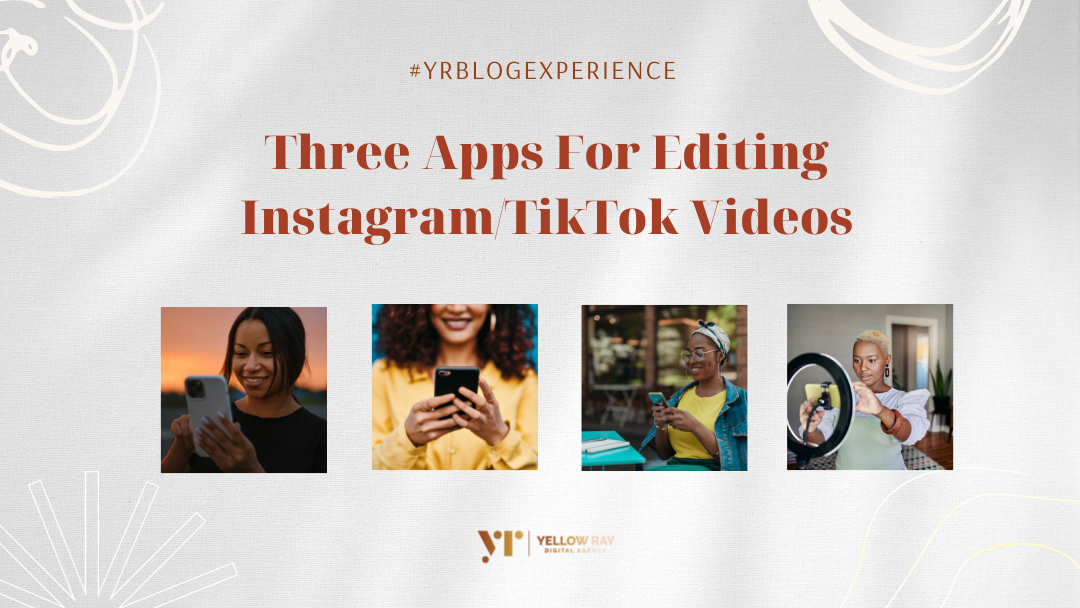
It’s no secret that video content is among the most versatile tactics content creators can leverage on. Once you create a good video, you can share and repurpose it on multiple platforms increasing your reach. The rise of Instagram reels and TikTok videos has led to a shift in content creation, many users are prioritising and creating videos hence you should jump on this visual trend too.
Because video content is the new form of content creation, it is important before you begin using editing apps, you perfect the way you film your videos.
Knowing the right apps to use when editing your videos is important because it allows you to enhance the video so that you can communicate better to your audience. Editing apps also allow you to use difference texts and features granting you the ability to trim and merge (customise) videos easily to the length of your liking. If you are wondering what apps you should be using to perfect your reels and TikTok vidoes, here are three life-saving video editing apps.
1 . Canva
Can you use Canva for video editing? Absolutely yes!
With Canva (Pro), it’s unbelievably easy to make high-quality videos yourself. Canva video editing software allows you to resize, crop and customize your videos to your liking while offering you a variety of fonts and video templates. Using Canva to edit your videos is absolutely easy and user friendly, you do not have to worry so much about how to use the app/software. Create and edit all your reels and TikTok videos using Canva and when you are stuck, you have a variety of stock images and videos to also work around with.

2 . Capcut

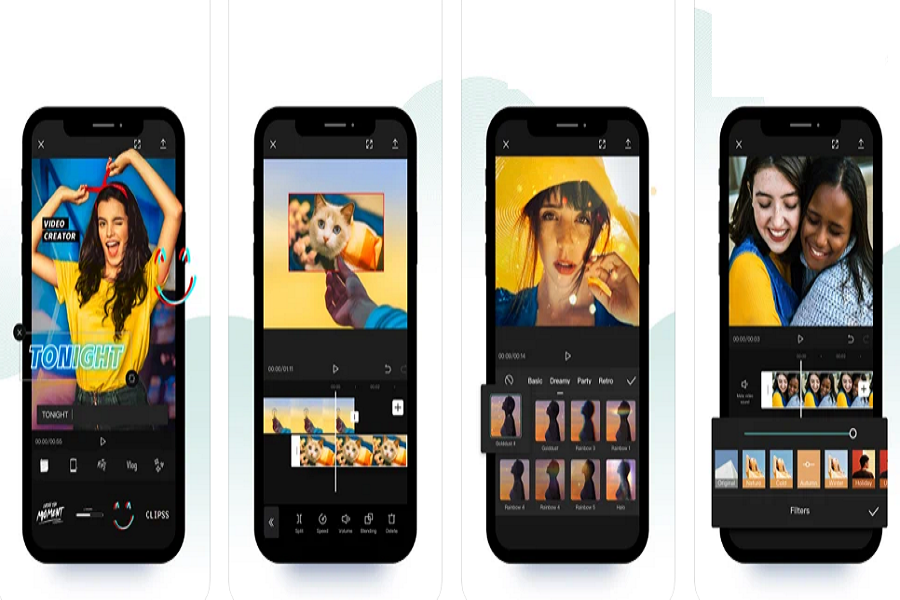
Capcut is a user friendly mobile video editing app mostly common for TikTok users and now widely used to edit any videos of your choice. This app offers easy to use video editing functions such as fonts and aesthetic effects, animations, smooth transitions and slow motions, and so on. Capcut allows you to create high quality aesthetically pleasing videos, even if you’re going for a vintage aesthetic, you can always add a filter that gives the illusion of lower-quality footage in the editing stage. You want every part of your edit to have some movement and this app can help you achieve this and more.
3 . Inshot

You Probably heard of this app while researching on YouTube or came across it on the internet, Inshot is an editing app for videos and photos. With InShot, you can easily make videos using advanced assets like video collage, slow motion, stop motion, reverse video and more. You can share your vlogs to social media to get more engagement, or edit video with music and pictures for TikTok. Inshot free version is impressive and the paid version is totally worth it. This app is perfect for creators who want a mobile video editor that does it all without too many frills. It’s all-in-one functionality is what makes this app popular and stand out among other video editing apps.

The above three apps will make your video editing experience easy and smooth. They will also elevate your content and easily help you harness the relationship you have with your audience online due to the content delivery consistency. Make use of Instagram and TikTok inbuilt editing features as well and don’t be afraid to try out other apps.
Don’t forget to Like, comment and share this article with others and subscribe to our monthly NEWSLETTER for exciting tips and information.
See you in the next blog!