

Hello Everybody,
Video is not the only type of content you should be sharing. Carousels are a fun and effective way to boost engagement and reach more of your ideal followers. It has been proven that carousels are one of the most engaging types of posts to share on Instagram hence they should be part of your posting strategy.
An Instagram carousel is a post with up to 10 photos or videos which allows users to view the carousel post by swiping left. Like any other Instagram post, you can add your caption and product tags on each image in your carousel.
When creating an Instagram carousel post, you have to figure out exactly what type of content it is you want to share and what calls to action are you adding to prompt your audience to either buy, comment on the product or service or save your post for future reference.
Here are a few basics to keep in mind when creating engaging Instagram carousels.
1 . Remember That Carousels Are Just Like Any Other Pieces Of Content.

Carousels are just like any other piece of copy hence factor in the ability to seamlessly communicate to your audience with the right copy. You want to make sure you are communicating effectively with copy and images/graphics.
2 . The First Image Should be A ‘Scroll Topper’
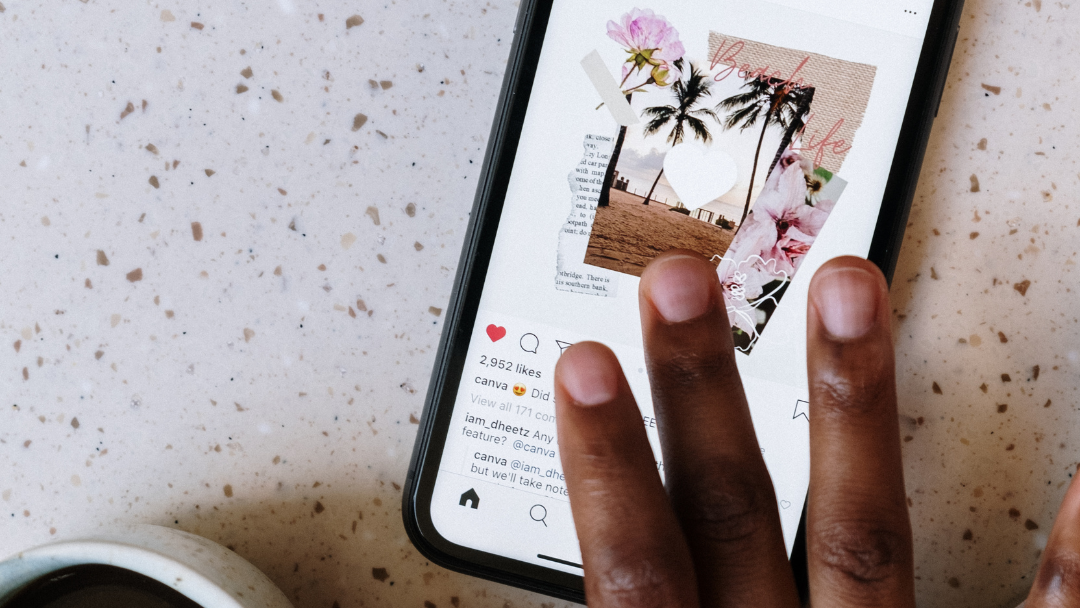
The first image of the carousel is essentially what will enable the viewer to swipe left for more, therefore, treat the first image like a header image or headline.
The rest of the carousel can answer the other goals of the post and help get across the main message.
3 . Encourage People To Swipe Through.

Once you got people’s attention with the first slide, you want to keep them scrolling. A simple caption with a call to action to swipe should keep people engaged. For example, influencers usually put something like “Swipe through to see more!”
Not only does that simple sentence make clear that the post is a carousel, for anyone who didn’t notice before. It also adds a bit of curiosity for anyone who wasn’t compelled to swipe before reading it.
4 . Make Sure Every Slide Can Stand Alone.

Another thing you want to keep in mind when you’re designing your carousel slides and order of information?
You want every slide to stand on its own.
Have you ever come across another brand’s carousel when you were scrolling from your personal profile and shared every single slide to your stories because they all resonated so much?
That’s the ultimate goal here.
You never know exactly which image will be the first one someone comes across since people can share specific ones in their stories and messages. And as you make every carousel post stand out, don’t forget to keep everything cohesive as you would want the images to feel like part of a series.
With these tips, we hope you will get sharing Instagram carousel posts that get people liking, sharing, and commenting way more than a static image.
Don’t forget to like, comment and share this article with others and SUBSCRIBE to our monthly newsletter for exciting tips and information.
See you in the next blog!